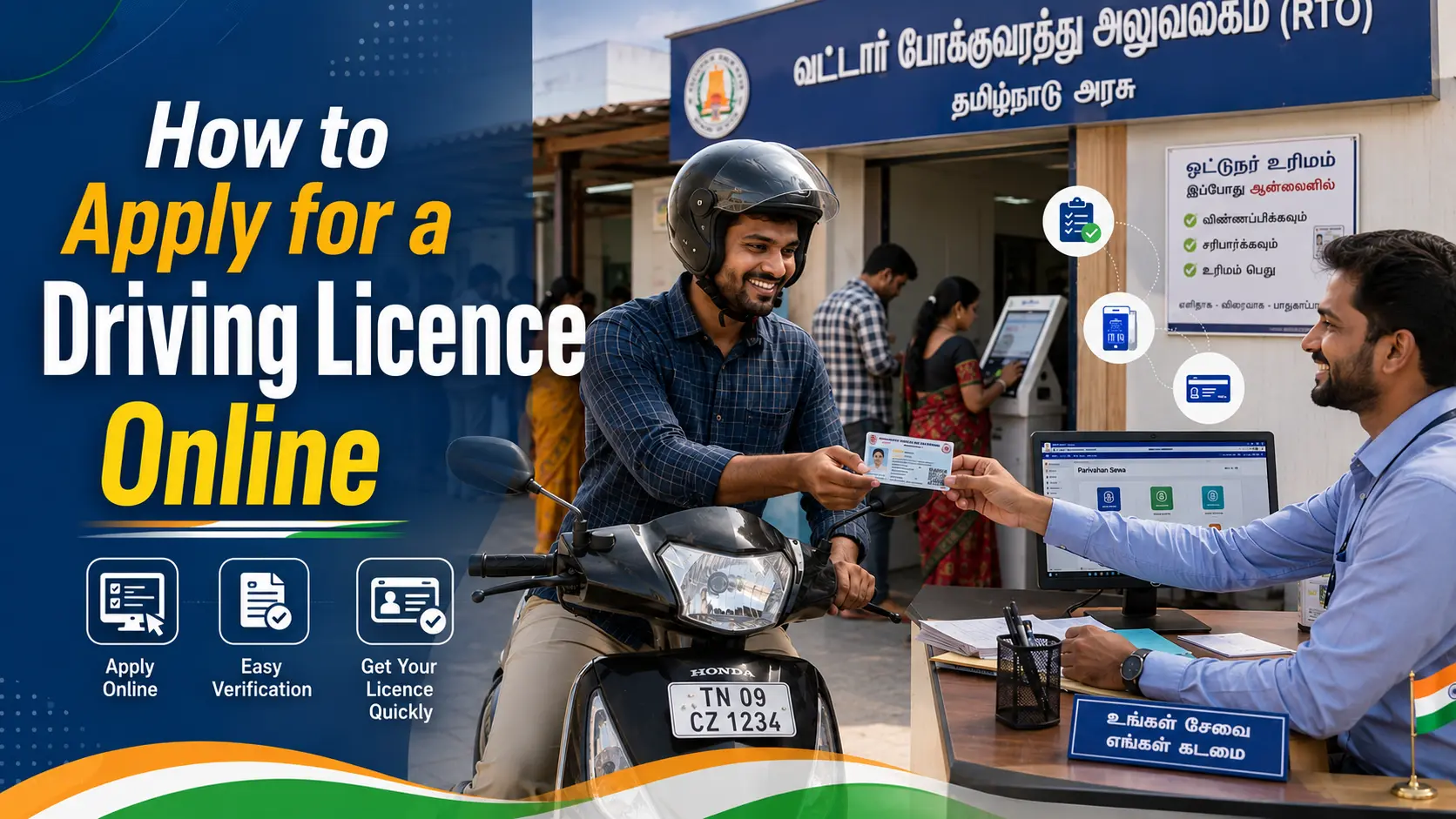
Getting a driving licence used to mean multiple trips to the RTO, long queues, and hours of waiting just to submit a form. That’s no longer the case. Through the official Parivahan Sewa portal, most of the driving licence application process — from your learner’s licence to your final permanent licence — can now be completed online, right from your phone or laptop.
This guide walks you through the entire process step by step, including how to log in, apply, upload documents, and book your driving test slot.
What Is Parivahan.gov.in?
Parivahan.gov.in is the official portal run by the Ministry of Road Transport and Highways (MoRTH), Government of India. It’s split into two main systems:
- Sarathi Parivahan — handles everything related to driving licences (learner’s licence, permanent licence, renewals, duplicate licences, and international driving permits)
- Vahan — handles vehicle-related services like registration, RC updates, and ownership transfers
For driving licence applications specifically, you’ll mostly be working within the Sarathi Parivahan section, accessible either through the main Parivahan homepage or directly at sarathi.parivahan.gov.in.
Before You Start: Documents You’ll Need
Keep these ready before beginning your application, since the portal will ask you to upload them digitally:
- Age proof — birth certificate, PAN card, or Aadhaar card
- Address proof — Aadhaar card, passport, voter ID, or utility bill
- Passport-size photograph (digital copy)
- Signature (scanned copy)
- Medical certificate (Form 1A) — required for certain vehicle categories or applicants above a specific age
Having these scanned and saved on your device beforehand makes the process much faster.
Step-by-Step: Applying for a Learner’s Licence (LL)
A learner’s licence is the first step before you can apply for a permanent driving licence.
- Visit sarathi.parivahan.gov.in and select your State/UT from the dropdown menu
- Under the Learner Licence menu, click Apply for Learner’s Licence
- Read the state-specific instructions, then proceed by choosing whether you want to use Aadhaar-based authentication (this speeds up the process significantly and, in many states, allows online testing) or continue without it
- Fill in your personal details, address, and vehicle class carefully — mistakes here (like the wrong date of birth or vehicle category) are one of the most common causes of delays
- Upload your documents, including Form 1 (self-declaration) or Form 1A (medical certificate) if applicable
- Pay the application fee online through net banking, debit/credit card, or UPI via the PayGov India gateway
- Take the Learner’s Licence test — many states now offer this as an online, AI-proctored test you can complete from home; others still require an in-person test at the RTO
- On passing, download your Learner’s Licence (Form 3)
Step-by-Step: Applying for a Permanent Driving Licence
Once your learner’s licence has been active for the mandatory waiting period (typically 30 days), you can apply for your permanent driving licence.
- Go back to sarathi.parivahan.gov.in and select Apply for Driving Licence
- Enter your Learner’s Licence number and date of birth to fetch your existing details
- Fill in and confirm your details, then upload any additional required documents
- Book your driving test slot at your nearest RTO — you’ll be able to choose an available date and time directly through the portal
- Pay the applicable fee online
- Attend the driving test at the RTO on your scheduled date
- On passing, your permanent driving licence will be processed and either couriered to your registered address or made available for download as a digital copy, depending on your state’s process
Common Mistakes to Avoid
- Mismatched details — the information you enter must exactly match your uploaded documents; even small mismatches can delay approval
- Using unofficial third-party websites — only sarathi.parivahan.gov.in is the authorised portal for driving licence applications; several look-alike sites charge extra “service fees” for something that’s free or has a fixed government fee
- Missing the RTO test slot — if you don’t show up for your booked test, you may need to rebook and wait again
- Skipping the acknowledgement slip — always save or print your application number after payment; you’ll need it to track your application status
Frequently Asked Questions
Is it mandatory to have a learner’s licence before applying for a permanent one? Yes, a valid learner’s licence is required, and you must wait the state-mandated minimum period before applying for the permanent licence.
Can the entire process be completed without visiting the RTO? In many states with Aadhaar-based authentication and online testing enabled, most of the process can be done remotely. However, some states still require an in-person test, especially for the permanent licence stage.
How do I check my driving licence application status? You can track your status on the Parivahan portal using your application number, under the “Status” or “Track Application” section.
What if I made an error in my application? Minor corrections can sometimes be made before final submission or during document verification at the RTO. It’s best to double-check every field before submitting.
Is there an official mobile app for these services? Yes, mParivahan is the official mobile app that lets you check licence status, view digital copies of your DL, and access several related services on the go.
Final Thoughts
The shift to Parivahan’s online system has made applying for a driving licence significantly less time-consuming than it used to be. As long as you use the official sarathi.parivahan.gov.in portal, keep your documents ready, and double-check your details before submitting, the entire journey from learner’s licence to permanent driving licence can be managed largely from home.
Disclaimer: This article is an independent informational guide and is not affiliated with, endorsed by, or an official publication of the Ministry of Road Transport and Highways (MoRTH), Government of India, or the Parivahan Sewa portal. Processes, fees, and document requirements may vary by state and can change over time. Always complete your application only on the official sarathi.parivahan.gov.in website and refer to it for the most current, state-specific information.